

Modern software supply chains are increasingly complex, spanning a multitude of operating systems, architectures, and external vendor dependencies. As organizations mature their DevSecOps practices, the challenge has shifted from simply generating Software Bills of Materials (SBOMs) to managing them at scale and extracting actionable security insights across every environment.
With the release of Anchore Enterprise 5.26, we are reinforcing our commitment to:
- comprehensive supply chain visibility,
- scalable SBOM operations, and
- frictionless shift-left security tooling.
This release brings deeper vulnerability insights into diverse operating systems, enhanced tools for managing massive SBOM inventories, and improved reporting capabilities placed directly at the developer’s fingertips.
Here is a closer look at what is new in Anchore Enterprise 5.26:
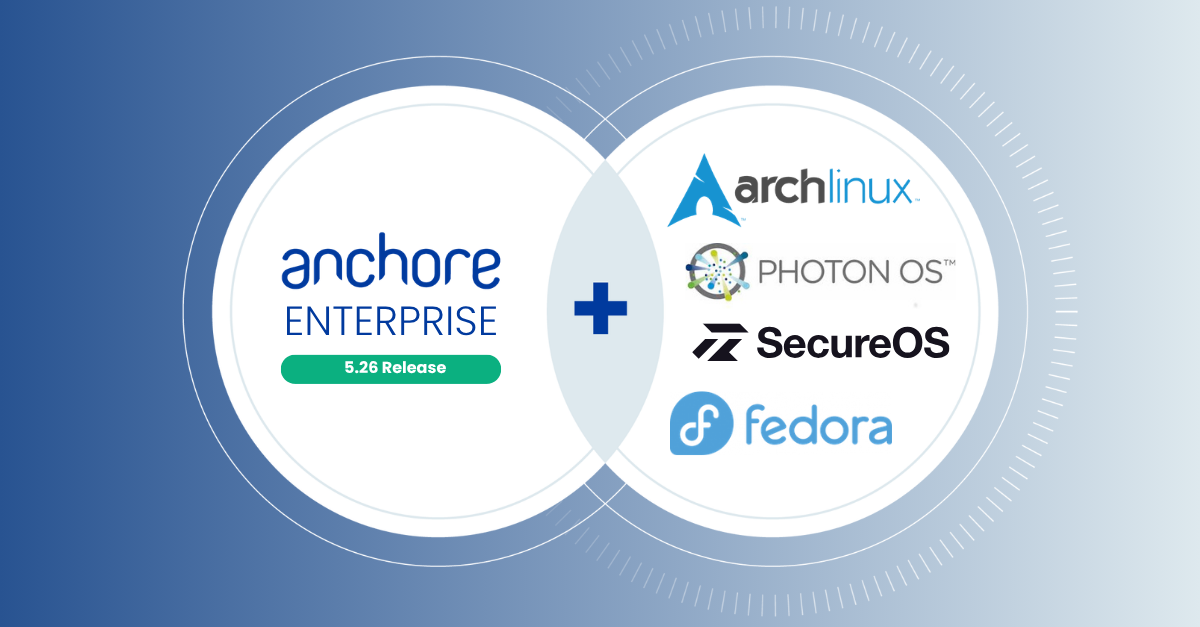
Expanded Ecosystem Visibility: Fedora and VMware PhotonOS Feeds
As organizations diversify their infrastructure, their security tools must keep pace with highly specialized operating systems that do not operate under standard rules. Relying on generic vulnerability matching for these environments often leads to noisy, inaccurate reporting. For example, Fedora’s rapid release cycle and bleeding-edge packages mean standard enterprise feeds frequently lag behind, leading to mismatched package states. Conversely, VMware PhotonOS is a minimalist OS optimized for container infrastructure; generic feeds often assume a full Linux footprint, resulting in a flood of false positives for its stripped-down environment.
To solve this, Anchore Enterprise 5.26 introduces native, dedicated vulnerability data feeds specifically tailored to the unique lifecycles of the Fedora and VMware PhotonOS ecosystems. By pulling directly from these authoritative native feeds, Anchore deeply understands the specific composition and patch states of these distinct distributions. Customers generating SBOMs with these packages will now receive highly accurate security vulnerability reporting that cuts through the noise, minimizes false positives, and aligns with the actual patch management realities of their infrastructure.
Vulnerability Matching for Arch Linux and SecureOS
Much like the need for dedicated feeds for Fedora and PhotonOS, securing other open source operating systems requires a tailored approach. Arch Linux, for instance, operates on a continuous rolling release model, completely lacking the discrete version numbers that generic scanners rely on to track CVEs. Similarly, SecureOS utilizes hardened, custom package architectures that standard matching rules frequently misinterpret, leaving critical security blind spots.
To solve these unique structural challenges, Anchore Enterprise 5.26 adds new data sources and introduces novel vulnerability matching algorithms for these environments. Rather than trying to force rolling releases or custom architectures into a traditional mold, Anchore has engineered specific logic to track Arch’s continuous updates and SecureOS’s strict configurations. This ensures that generated SBOMs are analyzed accurately and allows teams to utilize these secure distributions with the exact same automated governance as they are accustomed to.
Annotation Filtering for Imported SBOMs (BYOS)
For the past few years, the industry has been learning to walk. The focus has been on installing SBOM generators, fulfilling basic compliance requirements, and creating baseline software inventories. Now, organizations are poised to take the next step in software supply chain security: actively managing, organizing, and governing those SBOMs at an enterprise scale. As the sheer volume of external “Bring Your Own SBOMs” (BYOS) imported into Anchore Enterprise grows (originating from upstream vendors, open-source projects, and other SCA tools), identifying specific SBOMs of interest becomes a needle in a haystack.
To support this next phase of SBOM maturity, Anchore Enterprise 5.26 introduces annotation filtering. Users can now define filters based on imported SBOM annotations using custom key-value pairs. This allows platform engineers and security teams to use custom metadata as criteria to instantly locate, organize, and govern imported SBOMs (e.g., team=backend, environment=production, or vendor=acmecorp). By applying these filters, you can seamlessly integrate 3rd-party SBOMs into your active compliance and risk management workflows without getting buried in data.
Shift-Left Frictionless Reporting: HTML Output for AnchoreCTL
Integrating security into CI/CD pipelines requires tooling that serves both automated systems and the humans who evaluate them. Anchore Enterprise 5.26 introduces a new human-readable HTML output option for the anchorectl image check, image vuln, and image one-time scan commands.
Modern compliance frameworks standardly require reports that serve as official attestations of compliance. To satisfy auditors when they certify an organization, teams need a user-friendly format that can be easily stashed alongside a build as a reliable record of compliance checks. This ensures that clear documentation is always available for review, eliminating the need to translate machine-readable pipeline data (like JSON) through complex scripting, manual intervention, or entirely separate workflow steps.
Now, developers can generate an intuitive, easily shareable HTML compliance report directly from the CLI. This update pushes Anchore further toward the CompOps ideal of continuous, automated compliance throughout the entire development lifecycle. By seamlessly generating both automated policy gates and human-auditable attestations within the exact same workflow step, organizations can reduce friction and satisfy auditor requirements without slowing down engineering.
anchorectl image check my-image:latest --output html >
compliance-report.htmlTake Control of Your Supply Chain
Anchore Enterprise 5.26 equips teams with the broader ecosystem support, scalable SBOM management, and developer-friendly reporting needed to secure modern software supply chains.
Ready to get started?
Upgrade to Anchore Enterprise 5.26 today to take advantage of these new capabilities. For detailed instructions, API updates, and full release notes, please visit our documentation or reach out to your account team to schedule a demo.